
Before
- Paper job cards
- Lost estimates
- Slow invoicing
- Missing stock
- Forgotten customer follow-ups
- Labour that is hard to track
Cloud workshop software for modern workshops
Estimates, jobs, inspections, stock, and customer history in one place — from the counter or a phone.
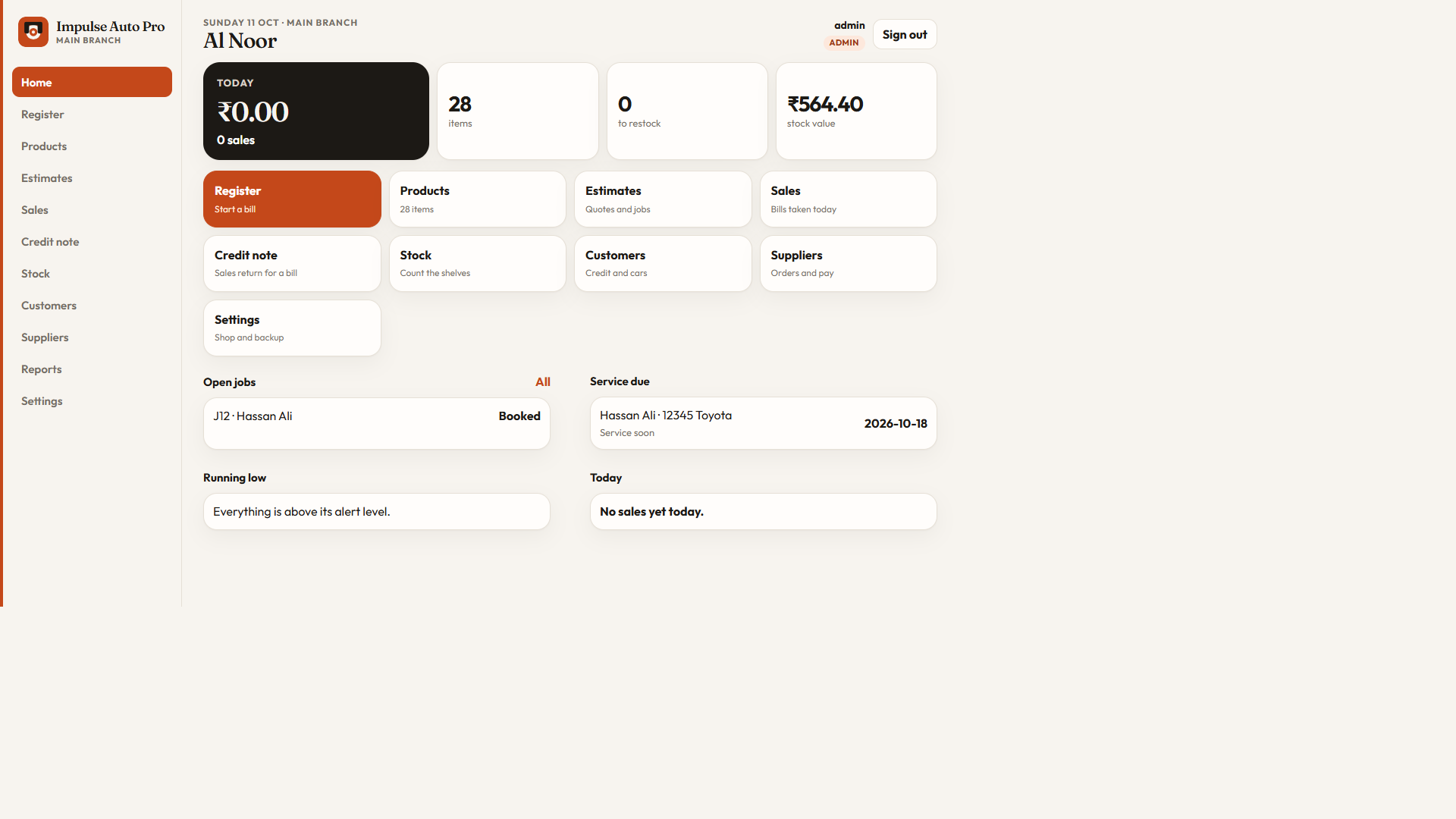
How a job moves
In the shop
Track every job visually. See the workshop workload at a glance and move a job through each stage.
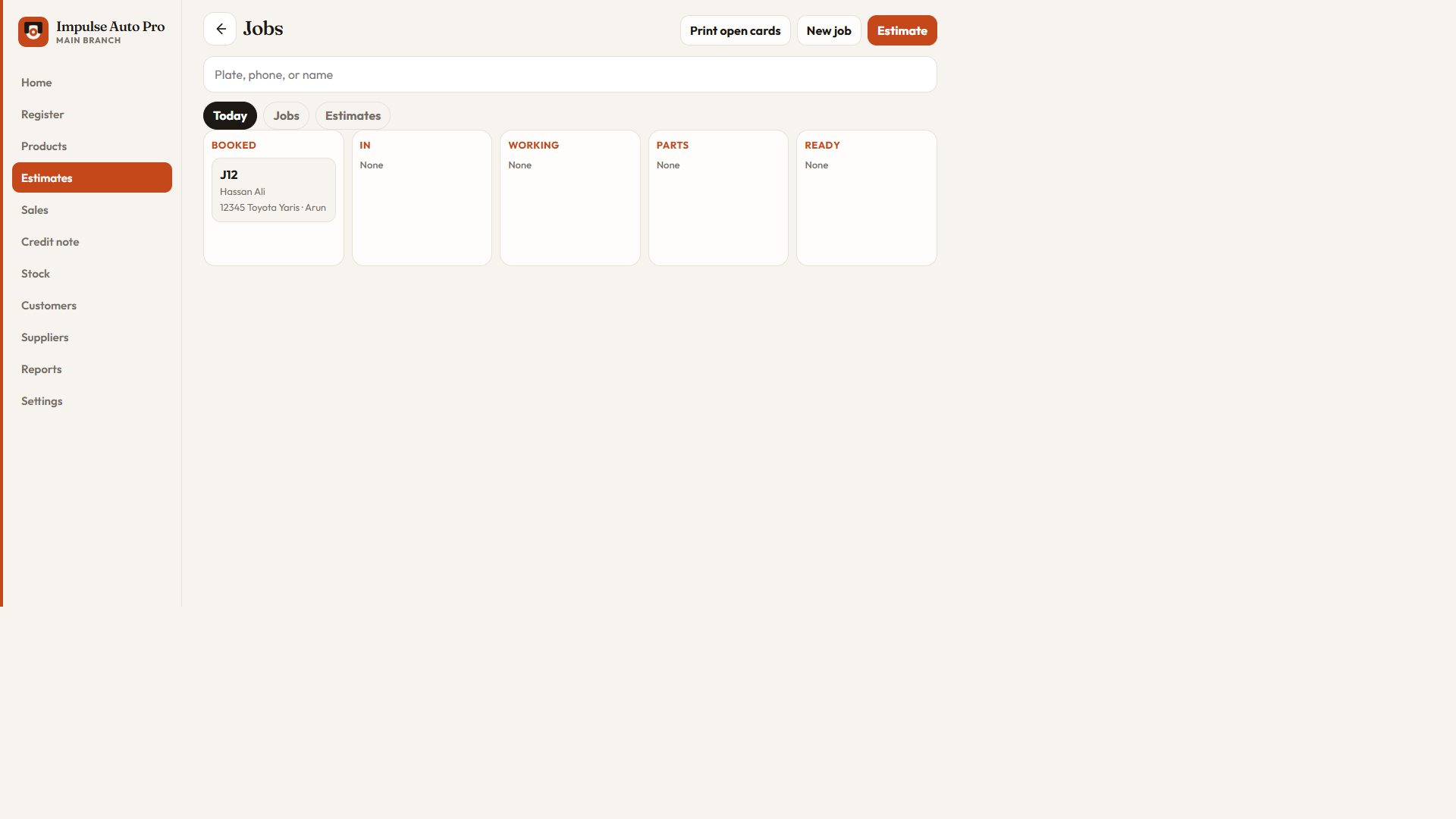
Every inspection item is Fine, Advise, or Needs work. When the customer approves, matching parts appear and one tap adds them to the job.
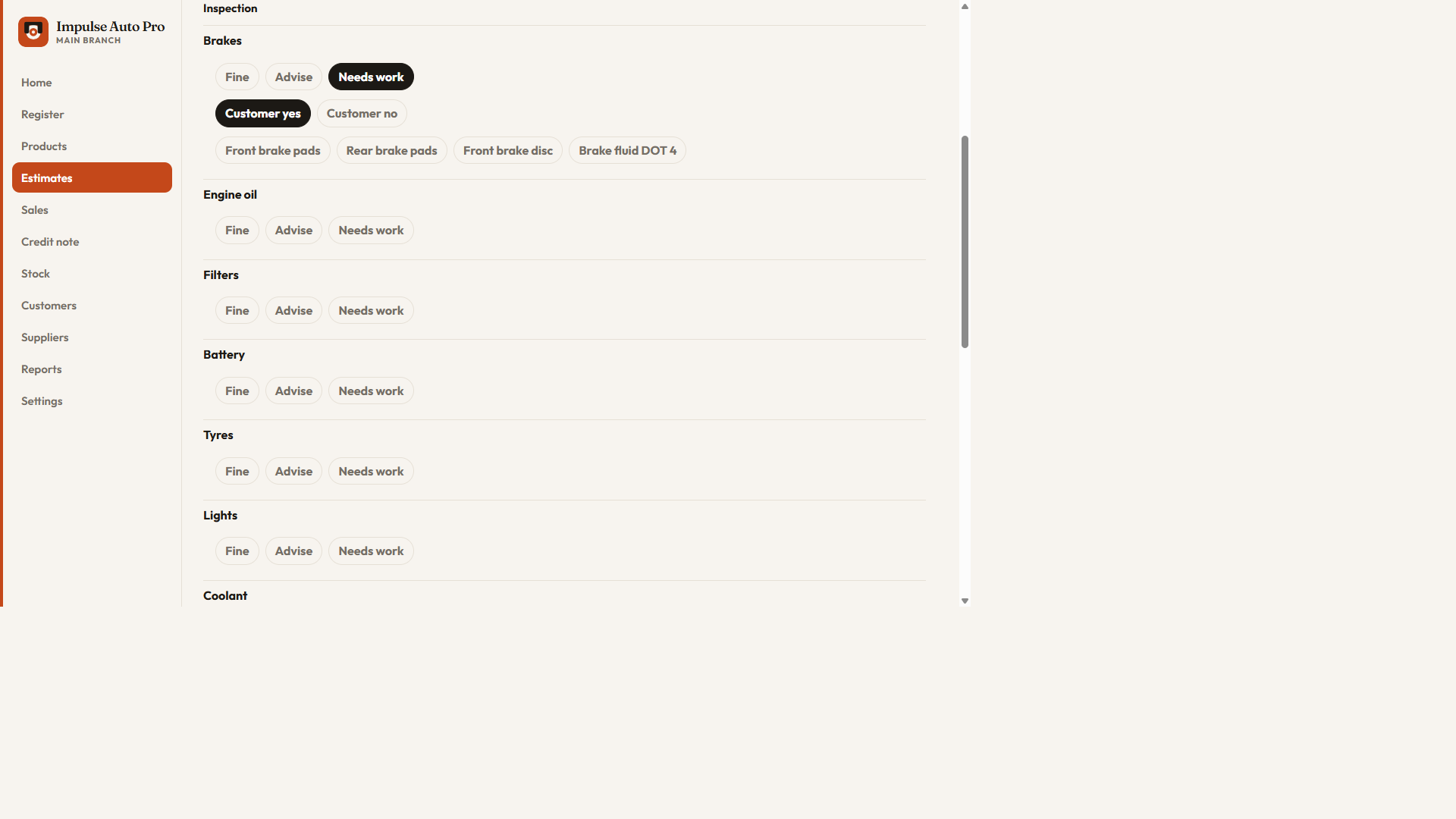
Clock on and clock off. Hours worked are logged on the job, next to the labour you charge.
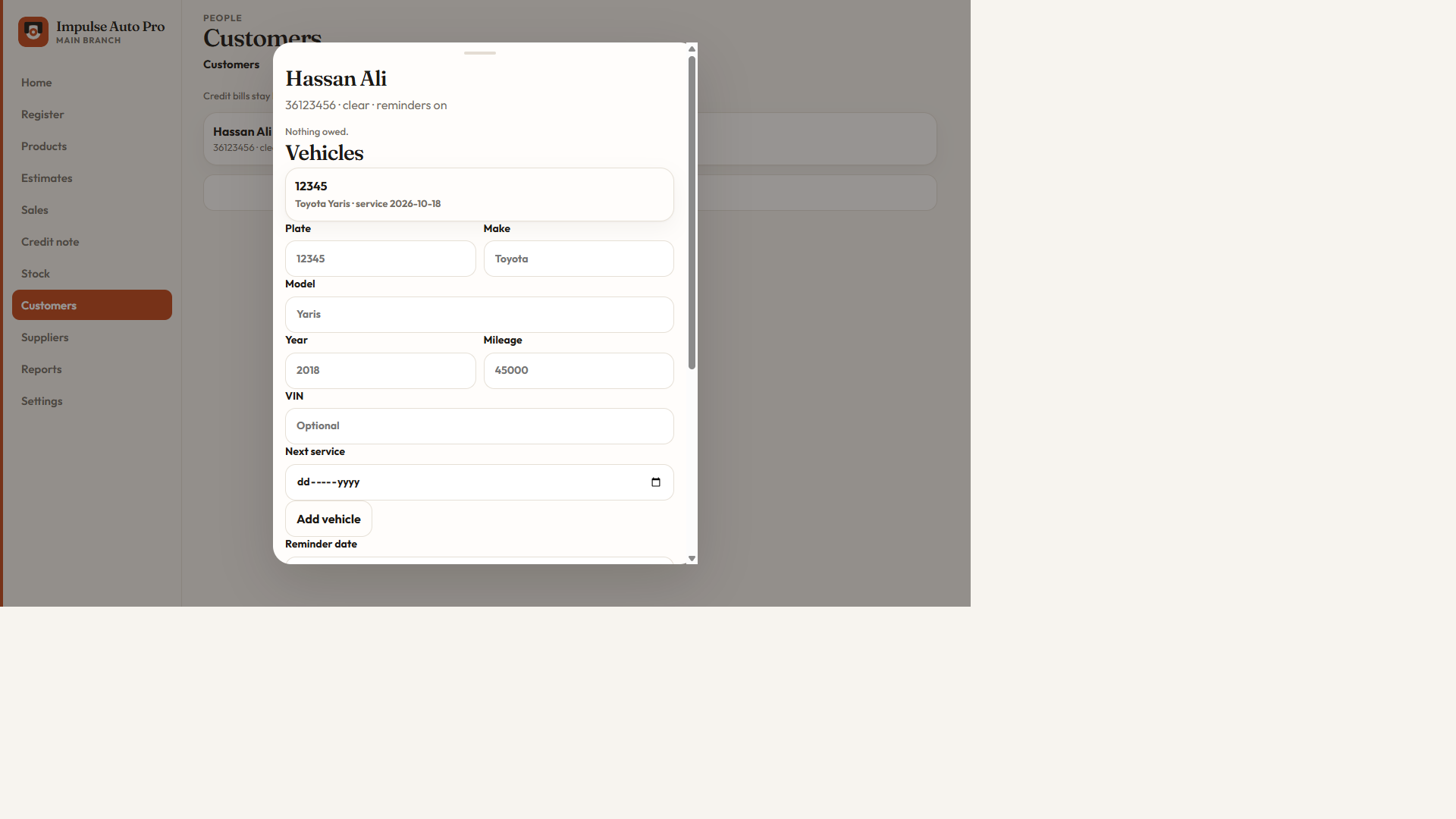
Save the next service date on each vehicle. The dashboard lists services due in the next 14 days.
Print open cards: every unfinished job, one card per page, so technicians start the day organised.
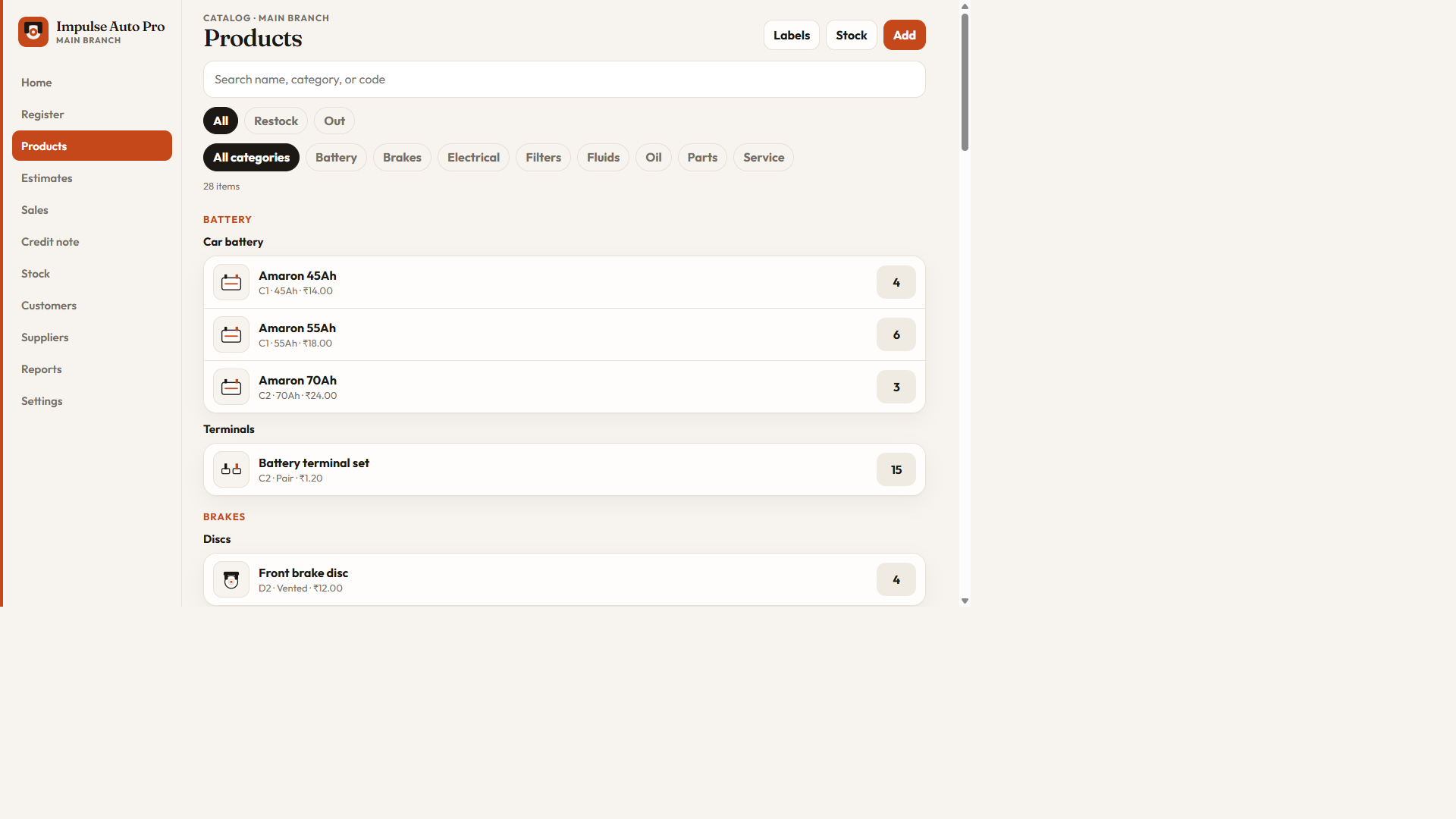
A kit combines parts at one selling price. When it is sold, every included stock item is reduced.
History, vehicles, previous jobs, contact details, and the next service date stay on one record.
Keep supplier records, raise purchase orders, and replenish the shelves from the same shop.
The product
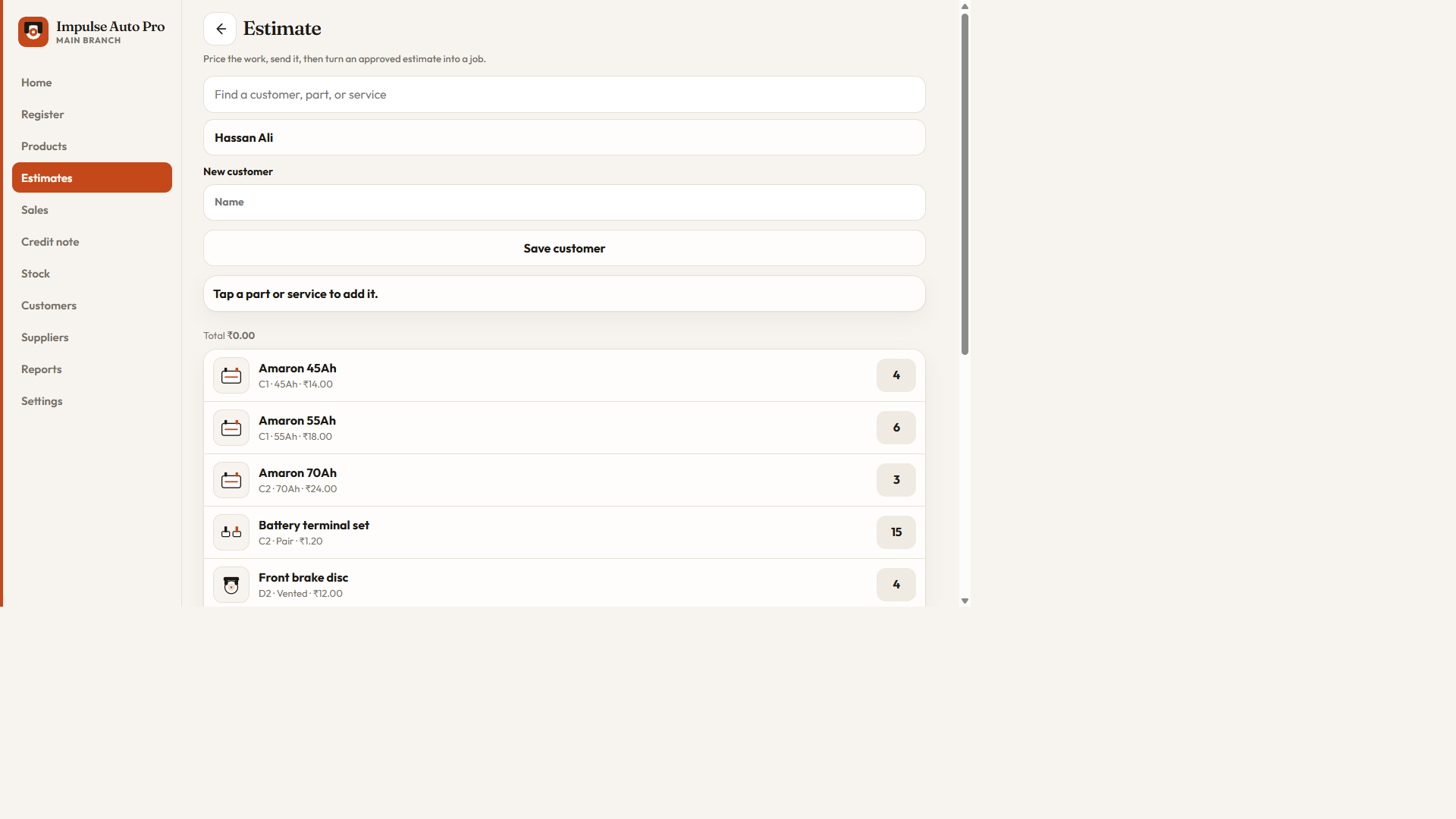
We send a private demo link after a short chat. No card on this page.
Choose a fit
Three ways shops use Auto Pro. Pricing depends on branches and setup — we confirm it on the demo call.
Best for parts counters and quick billing.
Best for bays, estimates, and day-to-day jobs.
Best when owners need exports for the books.
Live accounting sync, SMS, and online booking are not part of the base plans. Extra integrations are available on request.
Plans scale with how you work — counter, full workshop, or accounts. Exact fees depend on branches and setup. We quote after a short demo. This page never charges a card.
Yes. Branches are on the Workshop plan. Customers stay shared. Each branch keeps its own stock, jobs, and sales.
Yes. Print open cards sends every unfinished job, one card per page.
Yes. Clock on and clock off on the job. The hours worked stay next to the labour you charge.
Yes. Save a next service date on the vehicle. The home screen lists services due in the next 14 days.
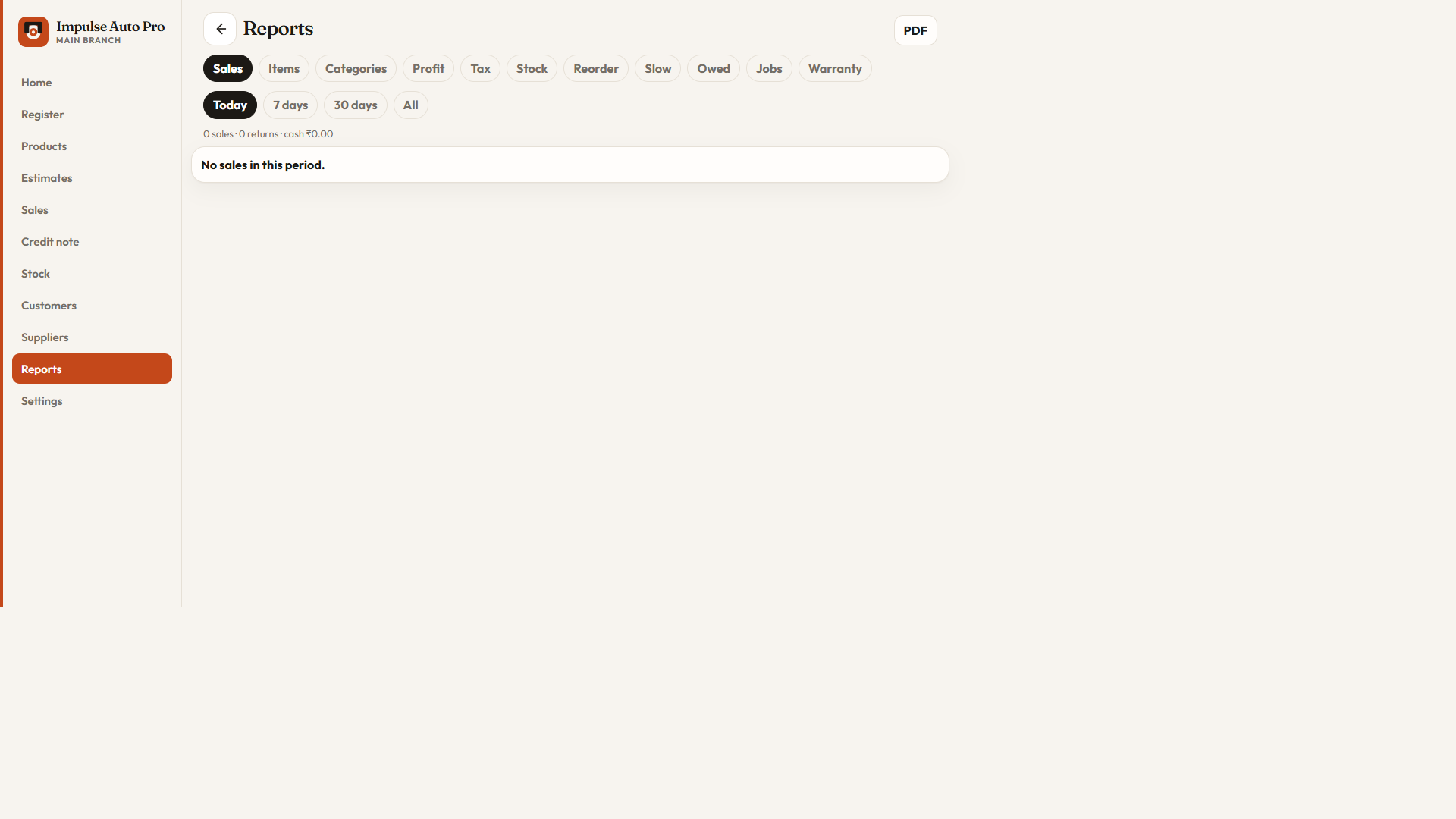
Yes, on the Accounts plan. Sales and stock reports, spreadsheet export, and an accounting export file for your accountant.
Talk to us for about ten minutes — WhatsApp or email — and we’ll point you to the right fit. Start a discussion.
Take demo
Tell us your name and workshop. We reply on WhatsApp or email — usually the same day. We do not publish demo passwords on this page.
Direct discussion
Ready to go live, or need a quote for your branches? Message us and we’ll schedule a short call.